
My 2026 Desk Setup as a Software Engineer & Creator
A warmer, simpler workspace for coding and creating in my NYC apartment.
Intro
Work and life are always changing. You learn, you create, and your environment changes with you. That’s why I’ve enjoyed documenting these desk setups. Each one feels like a little snapshot of where I am.
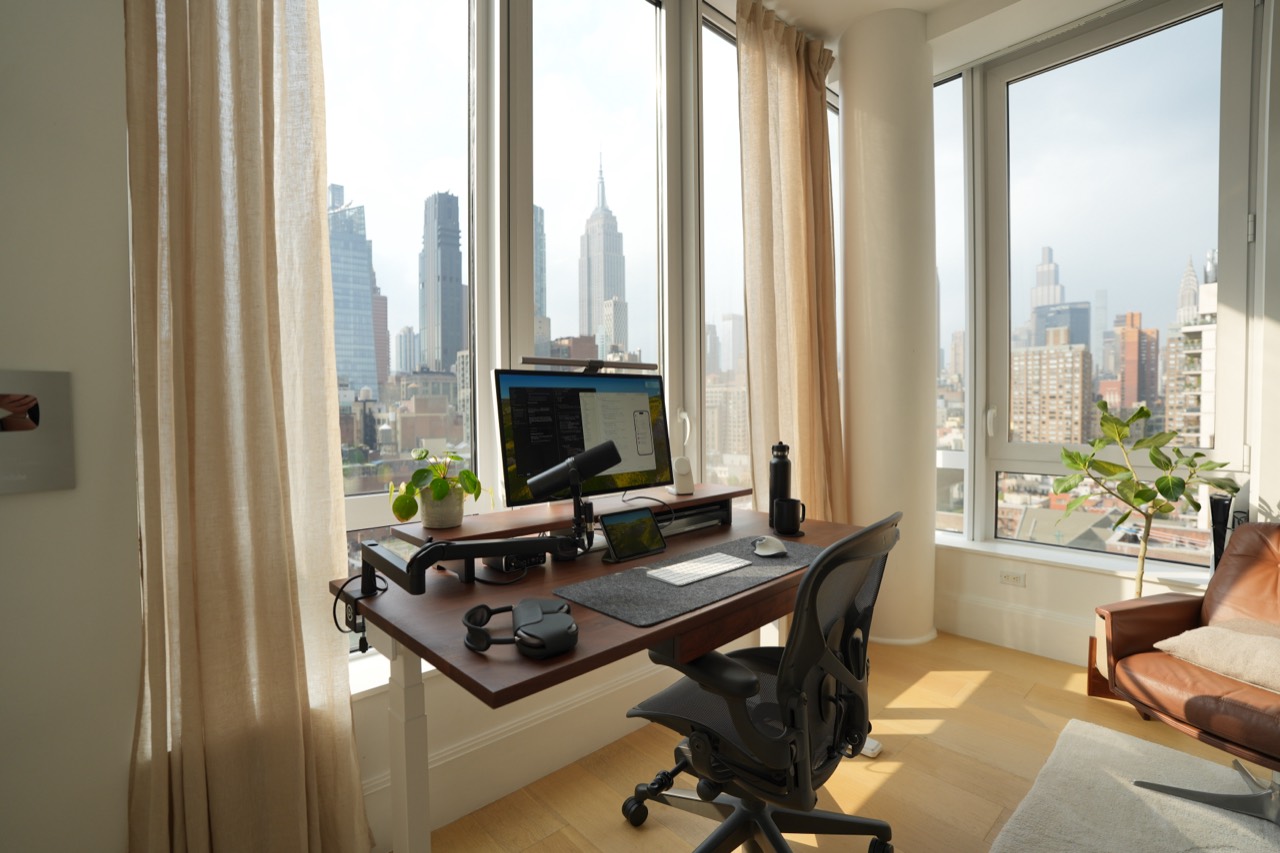
Here's a look at my latest desk setup for 2026 as a software engineer and creator. I decided to switch things up a bit and move away from white desks and light woods to something warmer and richer, so I opted for a walnut finish this time. It feels a little more refined, a little more grown up lol.
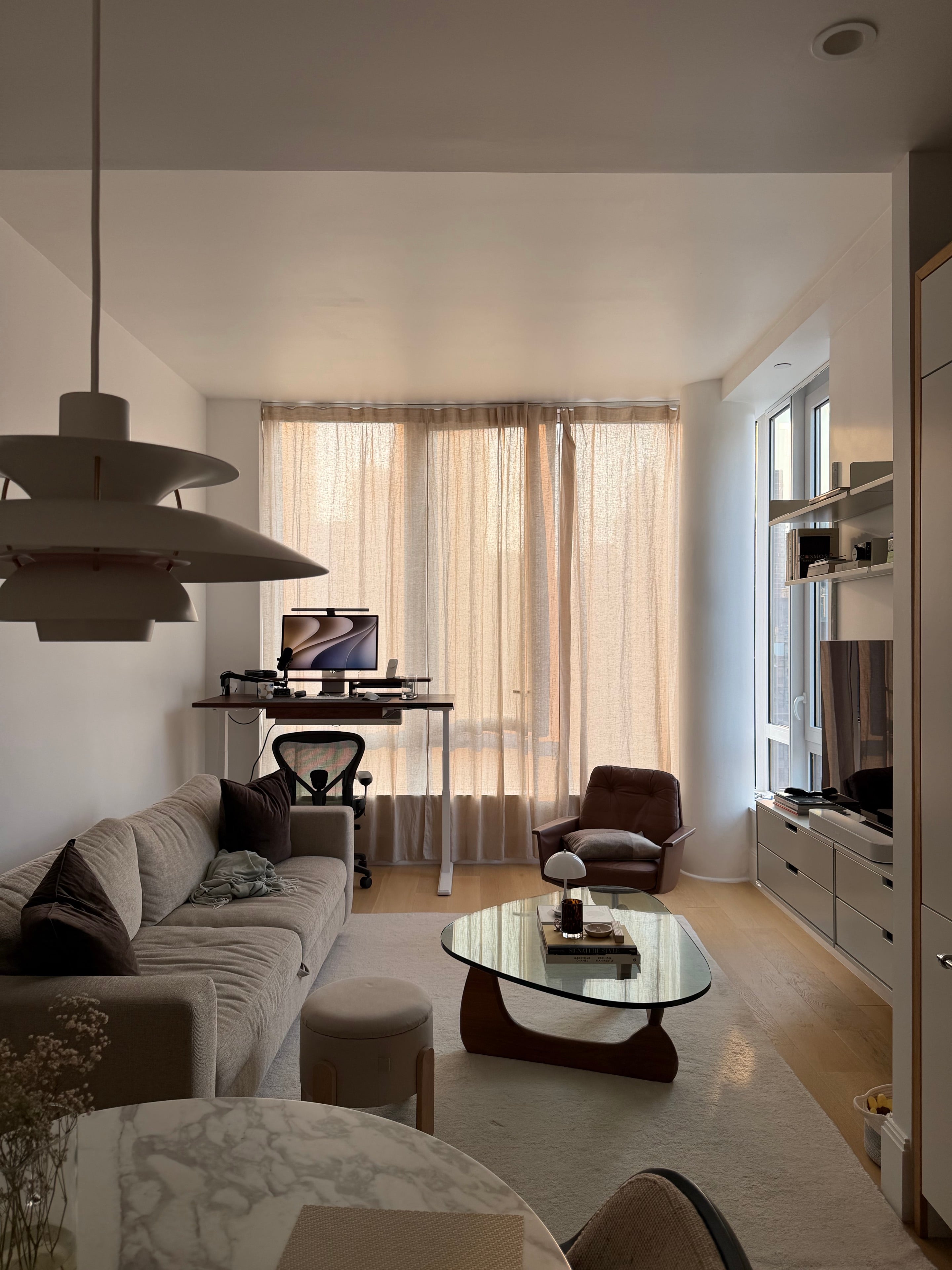
The Room
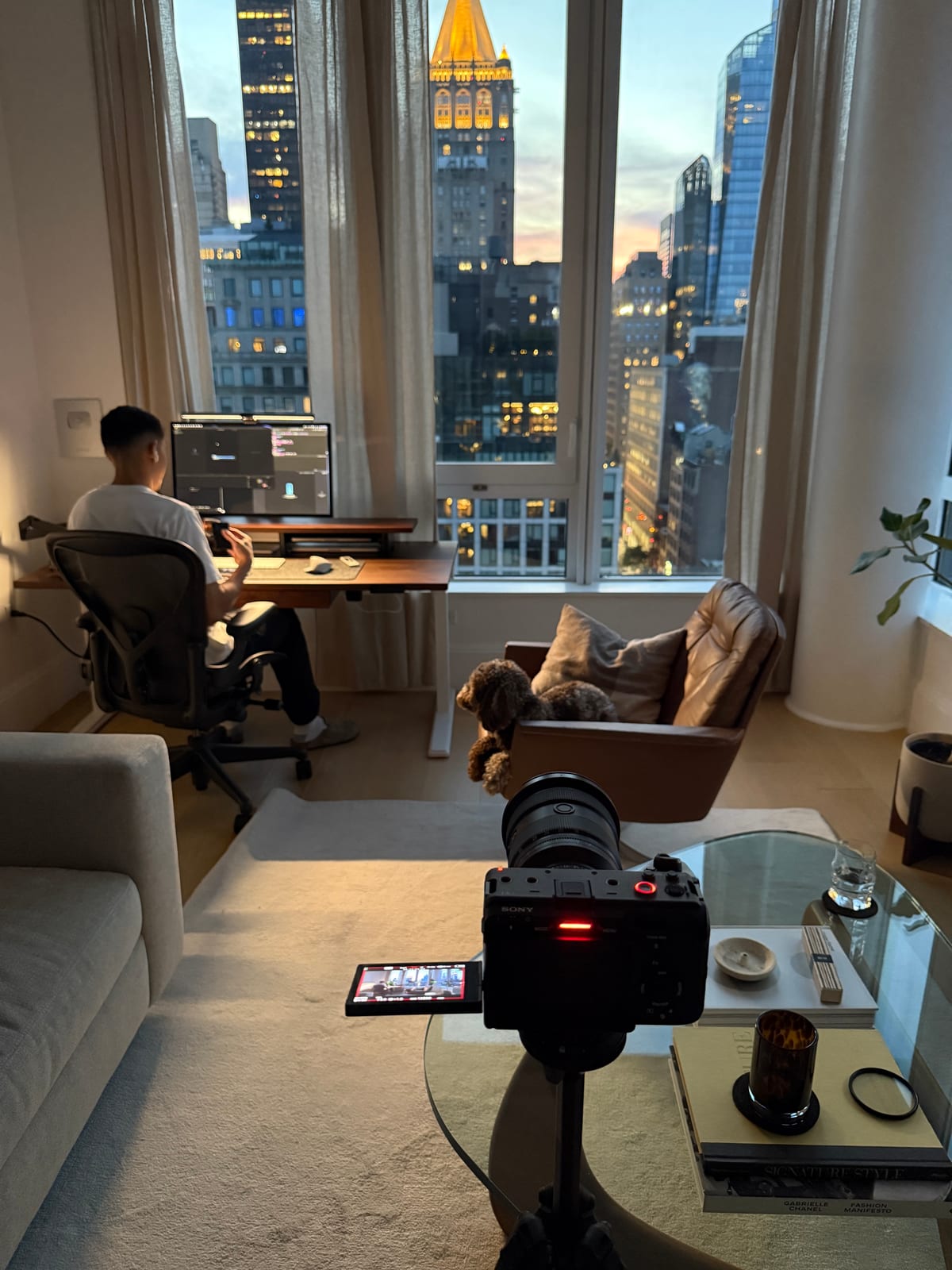
The desk lives in my living room, so it needs to feel at home here. I placed it by the windows for the natural light and kept the rest of the setup simple. And the view, of course—how could I not bring it up? Never in my life did I imagine being able to work from home with a view of such an iconic skyline.
The Desk + Cable Management
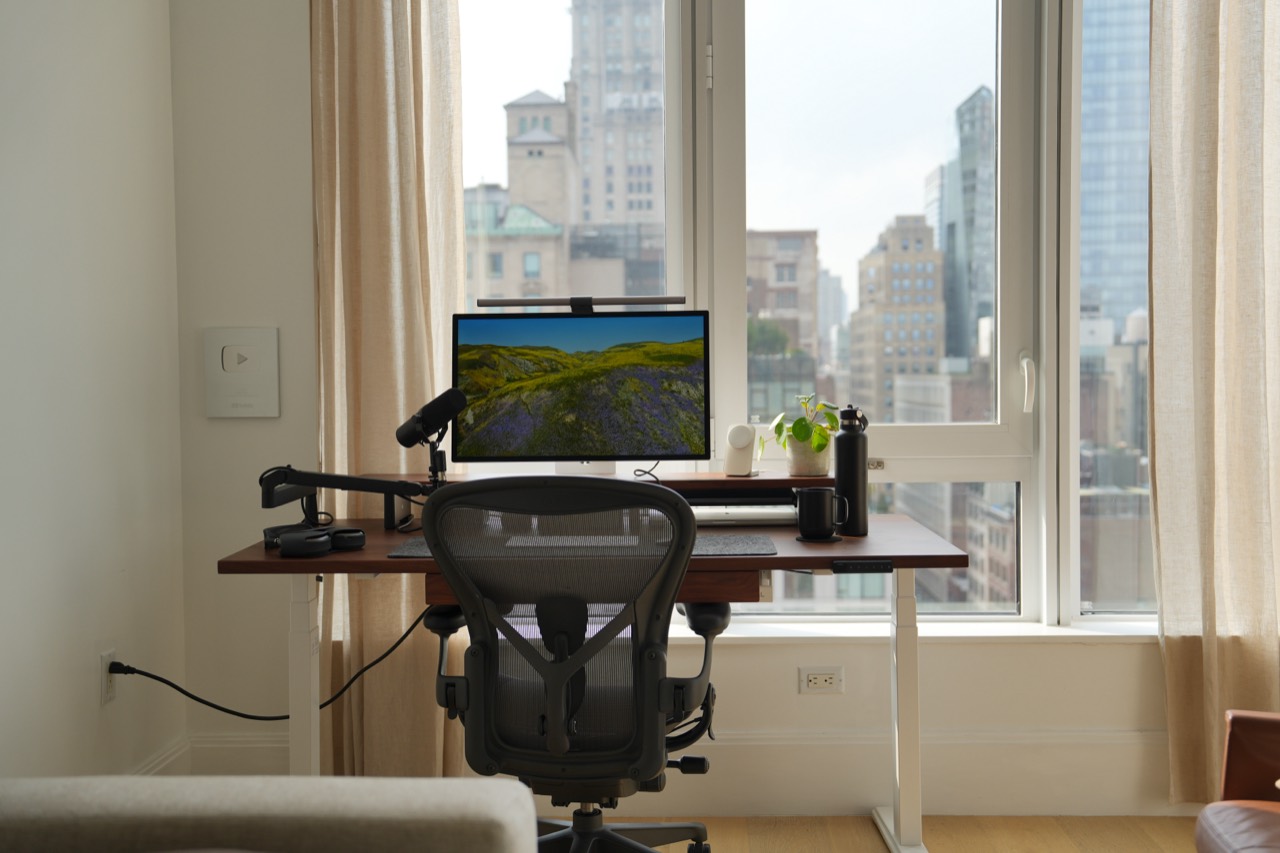
The walnut standing desk is the foundation of the setup. At nearly 30 inches deep, it gives me more space to spread out, and the white legs keep it feeling light in the room.
A matching monitor shelf and cable-management rack help keep everything organized. The laptops sit under the shelf, and a large power strip underneath keeps things down to one cable running to the wall.
 Walnut standing desk
Ergonomic Chair
Still using the Herman Miller Aeron. I got it when a previous office was moving out, and it’s been one of the best additions to the setup. It feels a little office-y at home, but the adjustability and lumbar support make it worth keeping.
 Herman Miller Aeron
Computers, Display & Lighting
An M1 Pro MacBook Pro handles personal projects and video editing, while an M3 Pro is my work machine. Both live under the monitor shelf, so switching between them is a single cable swap. An external SSD gives me extra room for footage.
I’ve tried dual and vertical monitors, but I keep coming back to one good display. The Apple Studio Display gives me plenty of space at 5K, and its brightness holds up well in front of these windows. I use the built-in webcam, too.
The BenQ ScreenBar Halo keeps the desk lit without taking up surface space. I use the dial to warm things up in the evenings. This is probably when the setup feels its best.
Peripherals
I still have my Mode Envoy, but I’ve moved from mechanical keyboards to the Magic Keyboard with Touch ID for everyday use. It’s quiet, wireless, and simple, and I like having Touch ID right there.
The Logitech MX Master has stayed. I’ve used it for years; this time I just changed the color. Underneath both is a basic felt desk mat. Nothing fancy, but it does the job.
 Mode Envoy
Audio Setup
For recording, I use a Shure SM7dB on a low-profile Elgato arm, connected to a Behringer audio interface. The arm keeps the microphone easy to reach without sitting in the middle of the setup.
My older AirPods Max still work well for everyday listening. Otherwise, I use the Studio Display speakers, or AirPlay music to the Sonos Beam in the living room.
Accessories & Decor
The Nomad Stand One keeps my phone charged and easy to grab. Turning it sideways gives me a little StandBy display, too.
I also keep an iPad mini below the monitor for music or a video. Universal Control lets me use the same mouse across both devices when I need that extra screen.
A few plants, my camera, and the Silver Play Button give the space some personality. The lounge chair next to the desk gives me somewhere to take a break without staying in work mode.
Nomad Stand One
iPad mini
- Fiddle leaf fig & Chinese money plant (got these from a plant shop in Chinatown)
- Lounge chair
Fujifilm X100VI
- YouTube Silver Play Button
That’s the setup for 2026. Enough room to code and create, while still feeling like home.